

Asset-intensive operations have a common blind spot: the gap between when a problem starts and when the right person knows about it.
That gap is where downtime lives.
WarePro MRO, coming soon from PIPRA Solutions, is designed to close that gap by connecting five capabilities that most organizations run in silos: real-time condition monitoring, serialized component traceability, structured work execution, digital twin visualization, and built-in compliance. Here is what each one does.
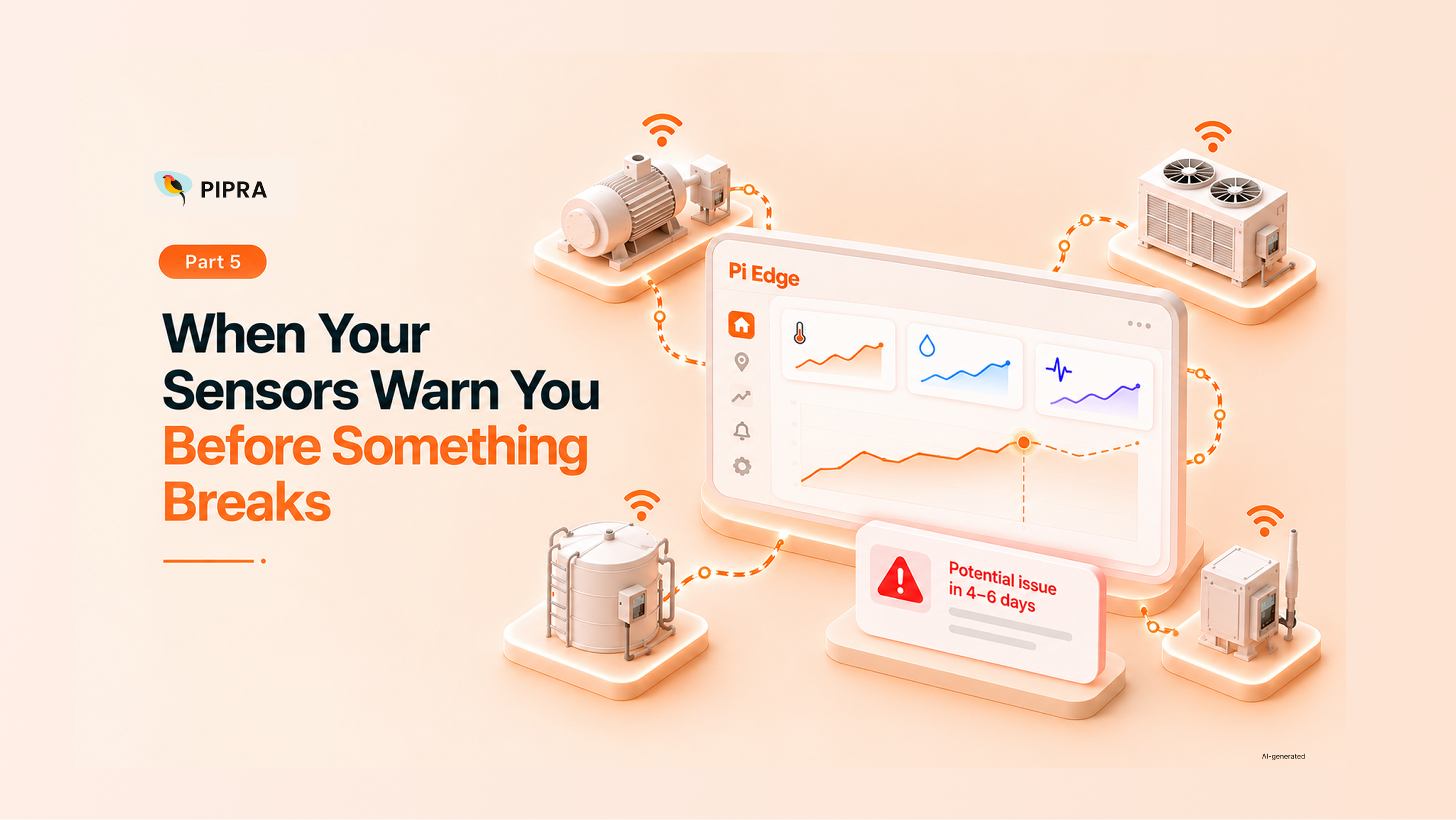
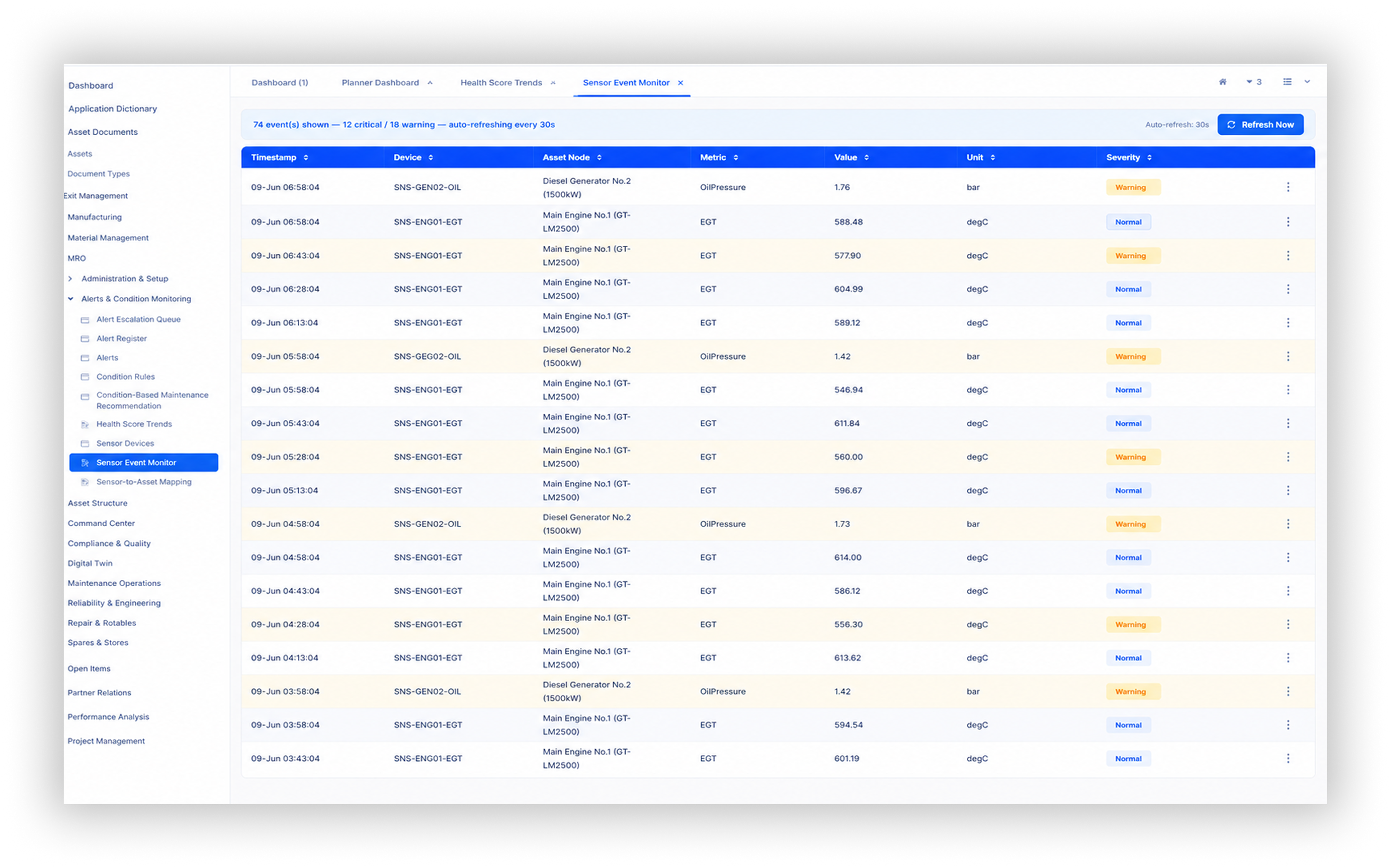
WarePro MRO connects to sensor devices attached to physical assets and captures readings continuously. Each sensor device is linked to a specific asset node - a battery bank, a propulsion system, a refrigeration unit. When a reading crosses a defined threshold, a condition rule fires.
Rules can combine multiple signals. For example: if battery temperature exceeds 60 degrees and voltage stability is flagging as unstable, raise a critical alert. That alert is automatically linked to the specific serialized component affected and surfaced immediately on the Command Center dashboard.
From there, a planner converts the alert to a work order in a single action. The work order already carries the asset node, the affected serial number, the priority level, and the task checklist pre-loaded from the relevant inspection template. Nothing needs to be entered manually.
Every safety-critical component is tracked by serial number from the moment it enters the store to the moment it is scrapped or retired. At any point in time, the system can answer five questions about any serialized component:
Before a replacement component can be installed, the system validates that it is serviceable, not already fitted on another asset, and within its life limit. The failed component is automatically logged out of service and routed to quarantine. A repair job is created. If inspection determines it cannot be repaired, the disposition workflow routes it to controlled disposal.
Each work order carries a sequence of tasks derived from the inspection template. The technician works through each step in order: isolate the system, confirm safe state, remove the failed component, install the replacement, run post-install tests. Each step is recorded with a completion status and inspection result against mandatory checkpoints.
Material requirements are managed at the work order level. The stores officer sees what parts are needed, checks live spare availability, and reserves the replacement component before the technician arrives. If a required spare is not in stock, the work order moves to a Waiting for Parts state and appears on the Waiting Parts Board so the planner can expedite procurement.
Sign-off is layered and mandatory. The technician signs. The supervisor signs. The safety officer signs. The work order cannot move to Closed until all required approvals exist - each one timestamped and permanently linked to the work order record.
WarePro MRO includes a 3D digital twin layer that maps every serialized component to its physical position in a visual model of the asset. Each position - a battery slot, a propulsion component bay, a crane arm section - is linked to the corresponding installed component record in the system.
When a condition alert fires, the affected slot highlights red in the 3D viewer. When the work order closes and a replacement is installed and signed off, the slot turns green.
The twin includes multiple purpose-built views:
For organizations managing large or complex assets, this spatial visibility changes how teams understand and respond to asset condition.
The MTBF/MTTR Dashboard tracks mean time between failures and mean time to repair for every asset and component type in the fleet, updated from live work order history. When a component type is failing more frequently than its design interval suggests, the trend is visible before it becomes a pattern of repeated emergency work orders.
The Life-Limited Component Monitor tracks every component in the installed base that has a defined life limit - measured in hours, cycles, or days. When a component crosses 90% of its consumed life, the system generates a proactive alert so planners can schedule the replacement before the component reaches its limit.
Failure and defect codes give the reliability team a structured taxonomy for recording what failed, how it failed, and what the root cause was - data that feeds recurring failure analysis and informs maintenance strategy changes over time.

Every module feeds a role-specific Command Center. Each role sees what they need to act on - not a generic report.
Every component swap generates a configuration snapshot - a frozen record of the as-maintained state of the asset at that moment. Every work order records who did what, when, and in what sequence. Every sign-off is timestamped. Every serialized component movement is written to an audit event trail automatically.
When a regulator asks for the full maintenance history of a specific component on a specific asset, the answer is available immediately - complete, structured, and traceable to source.
WarePro MRO is not built for one industry. The same platform - the same asset hierarchy, work order framework, twin layer, and compliance model - works for a naval vessel, an industrial turbine, a port crane, a refrigerated facility, or a production line. What changes between deployments is the data. The operational framework stays the same.
WarePro MRO is part of the upcoming PIPRA Solutions release cycle. If you want to see a walkthrough or discuss how the platform maps to your asset operations, we would be glad to connect.
Reach out to PIPRA Solutions to see what it looks like in practice.