
Government and enterprise organisations share a common blind spot: the gap between a document existing somewhere and a document being findable, trustworthy, and properly controlled. Paper piles up. Scans go unindexed. Versions get overwritten. Sensitive files end up one careless share away from the wrong desk.
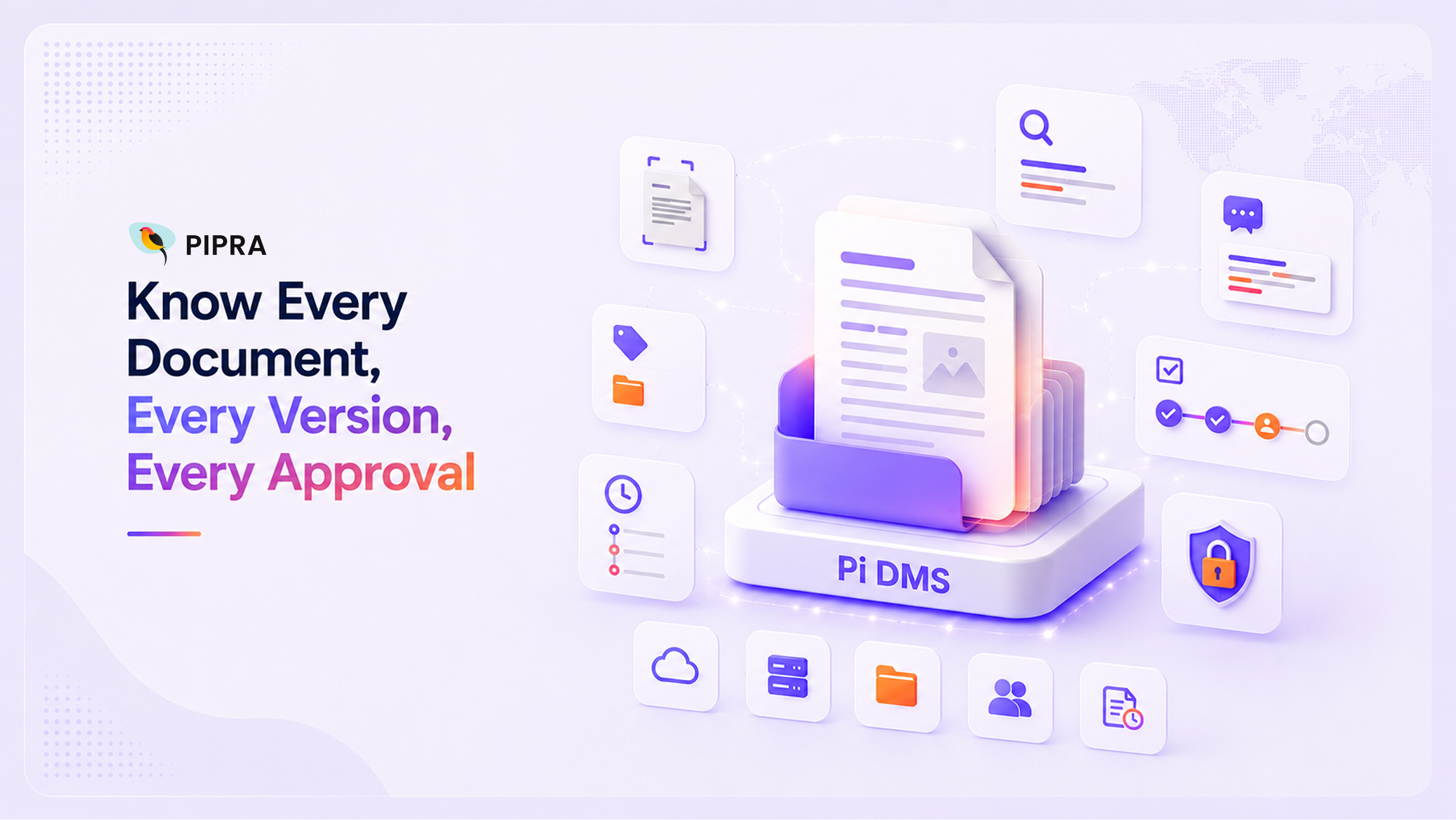
Pi DMS, powered by Pipra's AI engine Kuyil, is built to close that gap a document platform deployable on-premise or in the cloud, where OCR, semantic search, a RAG-based assistant, version control, audit trails, and access control all operate on the same document record, not as bolted-together tools. Here is what each capability does.
Pi DMS turns scanned and photographed documents including legacy paper records, handwritten forms, and low-quality scans into fully searchable text, in a single ingestion pass.
Every extracted word becomes instantly searchable the moment ingestion finishes no separate indexing step for someone to remember to run.
Documents classify and tag themselves on the way in.
The result: metadata that would normally require a data-entry step exists the moment the file lands, and it's exposed directly as search filters.
Powered by Kuyil. Pi DMS search goes past exact keyword matching to understand what a query means.
Organisations with strict data-sovereignty requirements aren't locked into a commercial API to get this: Kuyil runs fully on-premise, in a private cloud on self-hosted models, or against a commercial API — with no data leaving the network in on-premise mode.
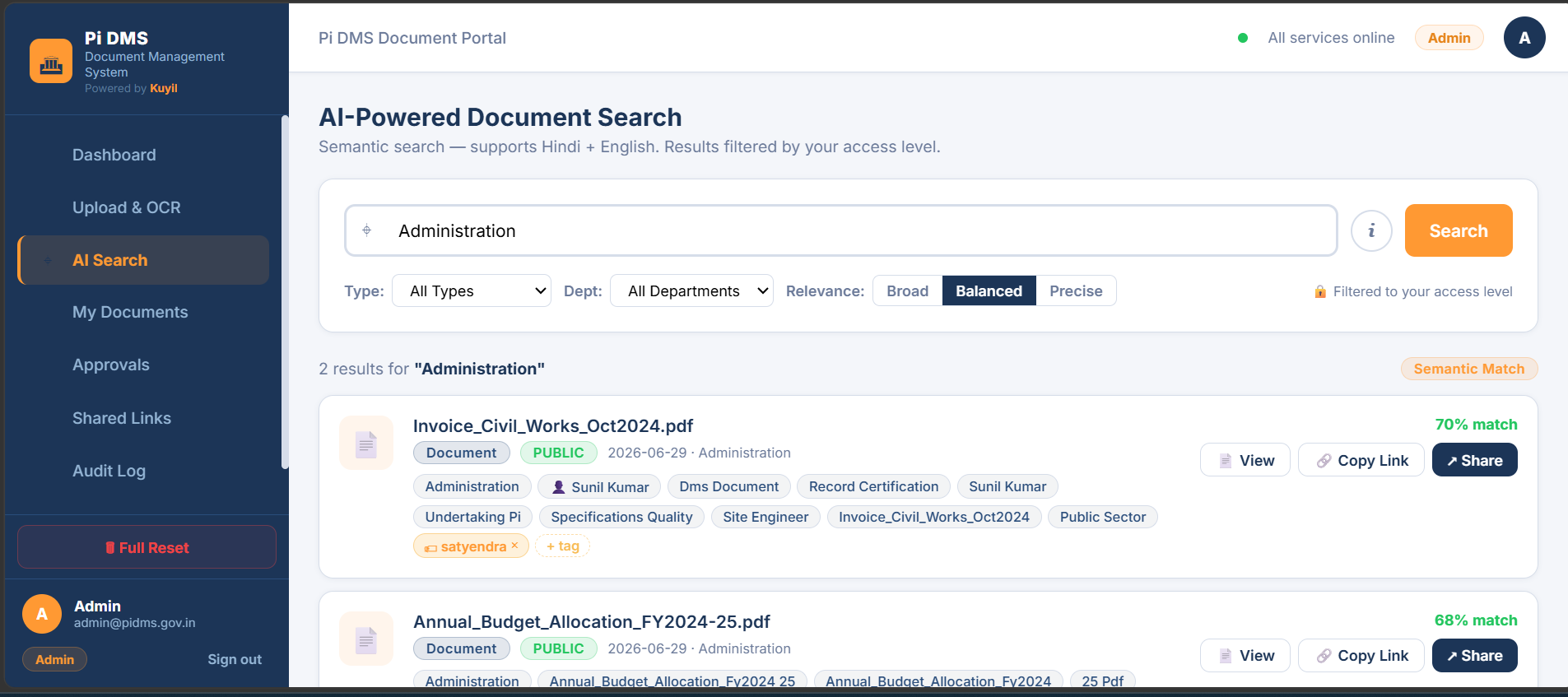
Also powered by Kuyil. Beyond search, Pi DMS lets users ask plain-language questions and get answers grounded directly in the organisation's own documents.
Kuyil's model-agnostic architecture means an organisation can start on a commercial API for speed and migrate to an on-premise model later, without changing the application layer.
Every document in Pi DMS keeps a complete history — of the file itself, and of every action taken against it.
Version control:
Audit trails:
When a regulator or an internal review asks who did what to a specific document and when, the answer already exists — it doesn't need to be reconstructed.

Pi DMS uses Attribute-Based Access Control, built around two things: who the user is, and how sensitive the document is. There's no rigid, hard-coded role implementation to work around — access is configuration-driven, so an organisation can define its own set of roles and map each one to the document sensitivity levels it should see, matching its existing structure rather than adapting to the platform's.
Sensitivity
Typically Mapped To
SECRET
Most restricted role only
CONFIDENTIAL
Restricted roles and above
INTERNAL
Most internal roles
PUBLIC
All authenticated users
Share links inherit the same cap — a shared link can never grant more access than the sharer's own permission level allows.
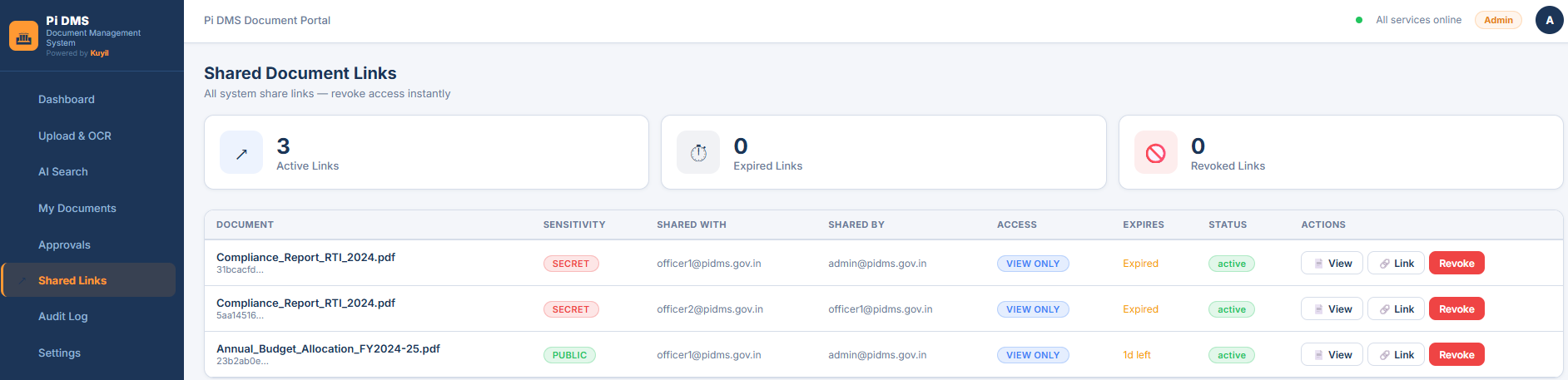
Every document opens in Pi DMS's own viewer, and what a user can do inside it depends on the sensitivity of the file itself, not just whether they're allowed to open it.
Sensitivity doesn't just decide who can open a file — it shapes what they can do with it once it's open, enforced by the viewer itself rather than by a separate policy layer.
Compliance is built into the architecture, not bolted on as a report. Documents flagged CONFIDENTIAL or SECRET are held for human approval before they're indexed. Retention periods are configurable by document type and sensitivity, with automatic archival once a document ages past its threshold — and every retention action is logged to the same audit trail as everything else. The platform is designed to align with GoI data handling guidelines, MeitY advisories, and DPDP Act requirements.
Pi DMS is API-first, so it fits into what an organisation already runs — ERP, CRM, SharePoint, Teams, Outlook, or any system that can call a REST API — with SSO via Active Directory/LDAP and hot-folder ingestion from existing NAS shares. A built-in workflow engine moves documents through Draft → Under Review → Approved → Published → Archived, with the sensitivity approval queue as part of that same flow, and every approval, rejection, or override logged automatically.
Pi DMS is fully responsive and works identically access control and all on desktop, tablet, or phone, with no VPN needed inside the organisation's network.
My Documents gives every user a single page combining what they've uploaded, what's been shared with them, and everything else within their clearance computed live from their access, not maintained as a manual folder tree.
Administrators get a real-time view of the platform without leaving the browser document counts, sensitivity mix, pending approvals, and recent activity, refreshing automatically. An upload, approval, or share action taken anywhere else in the system shows up without a manual refresh.
A note on these figures: Pi DMS hasn't yet been through formal load testing. These are engineering projections based on measured component performance, offered as directional guidance for planning not contractual SLAs.
Pi DMS is built to grow with the organisation, without a re-platform along the way:
Search stays fast at every scale, since only the query itself needs a fresh embedding the corpus isn't re-processed on each search. Documents that already have a digital text layer skip OCR entirely and index in a fraction of a second, so native PDFs move through the system quickly regardless of deployment size; scanned-page throughput is what scales as more capacity is added.
Pi DMS deploys on-premise, in a private cloud, air-gapped, or on Kubernetes for high availability the same platform and security model throughout. Document content, metadata, and audit logs stay entirely within the customer's own infrastructure, with no telemetry sent back to Pipra or any third party.
That's the practical point for an organisation evaluating a DMS: the same platform that OCRs a single department's scanned circulars on day one is the platform that, scaled up, serves a million-document, multi-site enterprise without switching products to get there.
Pi DMS is available for demonstration from Pipra Solutions. If you want to see a walkthrough OCR ingestion, semantic search, the RAG assistant, or how access control and audit trails map to your own compliance requirements — we would be glad to connect.
Reach out to Pipra Solutions to see what it looks like in practice.